Spreadsheet for Excel and Google Sheets
Wedding Budget Planner Spreadsheet
The money side of your wedding in one place: the budget, every vendor and deposit, each payment’s due date and your guest list. Type in your budget, vendors and guests, and the payment schedule and dashboard work themselves out.
Price: €12.99Instant download from Etsy. Price in euros; Etsy shows it in your currency.
View on Etsy- Excel and Google Sheets
- 7 tabs, no macros
- Digital download, nothing shipped
Who it’s for
It’s made for engaged couples who want to see at a glance what is booked, what is paid, what is still owed and what is due next, without juggling notes, emails and banking apps.
Compare quotes without double counting: only vendors marked Booked count toward the budget and the payment schedule. Cost per guest uses your estimate until RSVPs come in, then the real number attending. If family is helping to pay, Setup tracks what each person has pledged and what has actually arrived.
What’s inside, tab by tab
- Start Here
- Three steps, one colour rule (yellow cells are where you type) and quick answers.
- Setup
- Your names, wedding date, currency, guest count estimate, total budget, and who is contributing: pledged, received and still to come.
- Budget
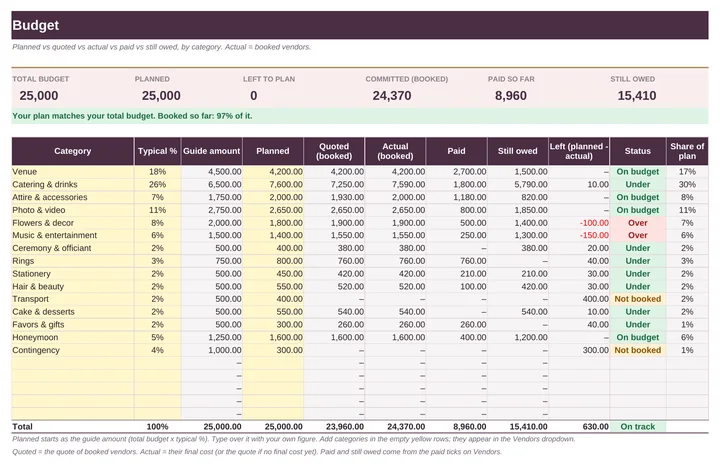
- 15 categories, from venue and catering to rings and the honeymoon, with a typical-percentage guide to start from and room for 20. Planned vs quoted vs actual vs paid vs still owed for each.
- Vendors
- Up to 50 vendors with contact, status, quote, final cost, deposit, an optional second payment and the balance, each with a due date and a paid tick, plus due soon, overdue and paid-in-full flags.
- Payment Schedule
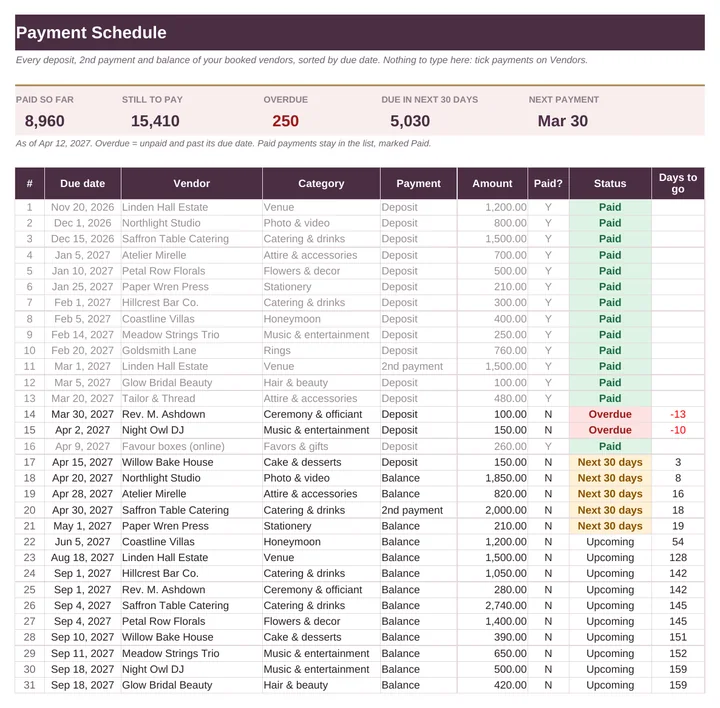
- Every payment of every booked vendor sorted by due date, with paid, still to pay, overdue and next-30-days totals.
- Guest List
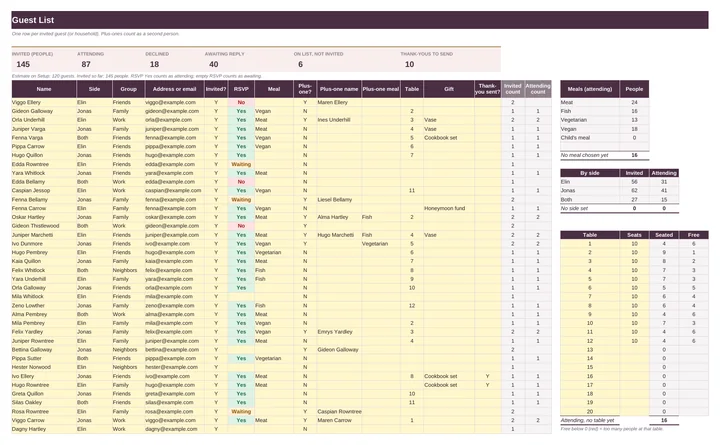
- Up to 300 guests with side, group, invite, RSVP, meal, plus-one, table, gift and thank-you sent, with counts for meals, sides and seats per table.
- Dashboard
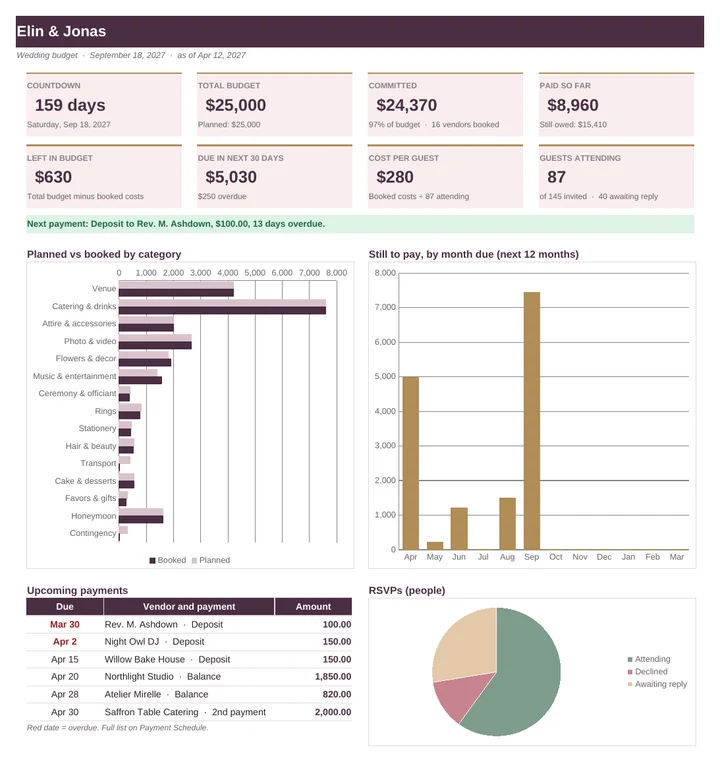
- A countdown to the day, total budget, committed, paid, left, due in the next 30 days, cost per guest, guests attending, the next six payments and three charts.
Excel and Google Sheets
The workbook is an .xlsx file that opens in Excel 2010 or later, Excel for Mac and LibreOffice. For Google Sheets, upload the .xlsx to Google Drive, double-click it, choose Open with Google Sheets, then File > Save as Google Sheets. Formulas and dropdowns carry over; Google redraws the charts, so they can look slightly different. The quick-start guide walks you through it. Type your own currency symbol on Setup and the whole workbook uses it.
There are no macros and nothing to install. Every formula uses only functions that Excel and Google Sheets share, and before release the workbook was filled with a full sample wedding and checked by 277 automated tests. Apple Numbers can open the file but isn’t supported.
How delivery works
You buy on Etsy, with Etsy’s checkout and buyer protection. As soon as payment goes through, the download is ready on your Etsy Purchases page and Etsy emails you a link. You get one ZIP file containing:
- Wedding_Budget_Planner.xlsx
- Quick_Start_Guide.pdf (6 pages)
Nothing is shipped. Because it’s a digital file, Etsy returns don’t apply, but if something isn’t working, send a message through the shop and we’ll help put it right.
The typical percentages are a common starting split, not advice. Every wedding is different, so change them freely.
Wedding Budget Planner€12.99 · Excel and Google Sheets · instant download
View on EtsyYou might also need
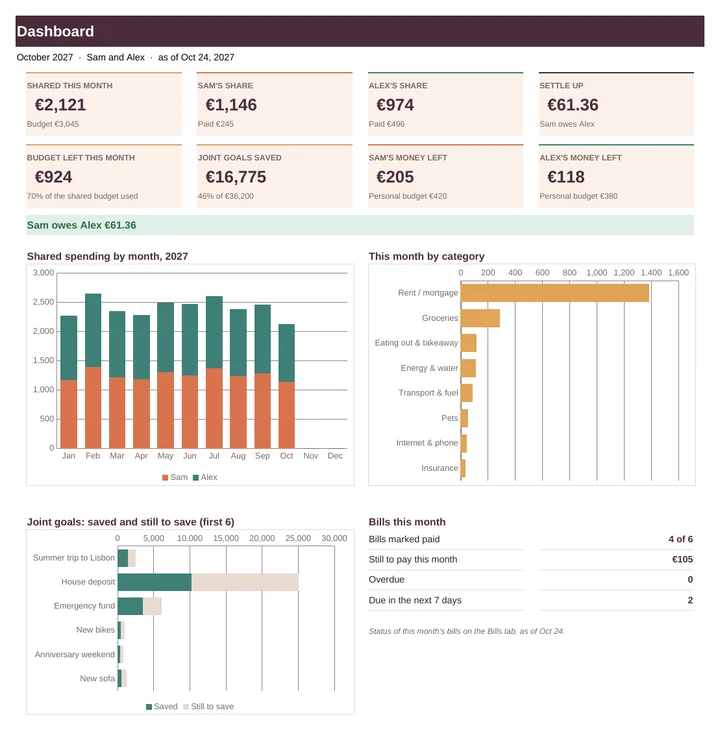 Couples Budget & Bill SplitterOne shared budget for two. Log shared costs and it tells you who owes whom.€11.99
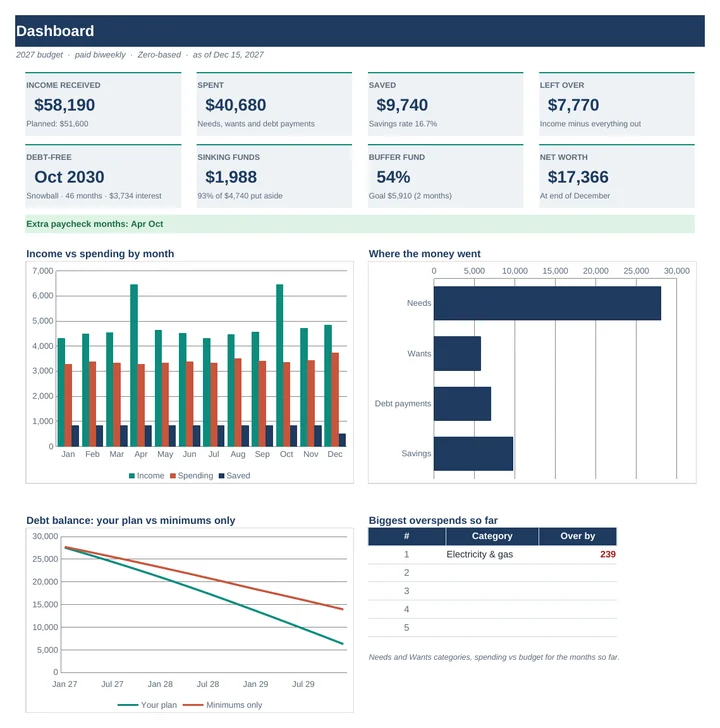 2027 Budget PlannerPlan the year one paycheck at a time, even when your income changes month to month.€15.99
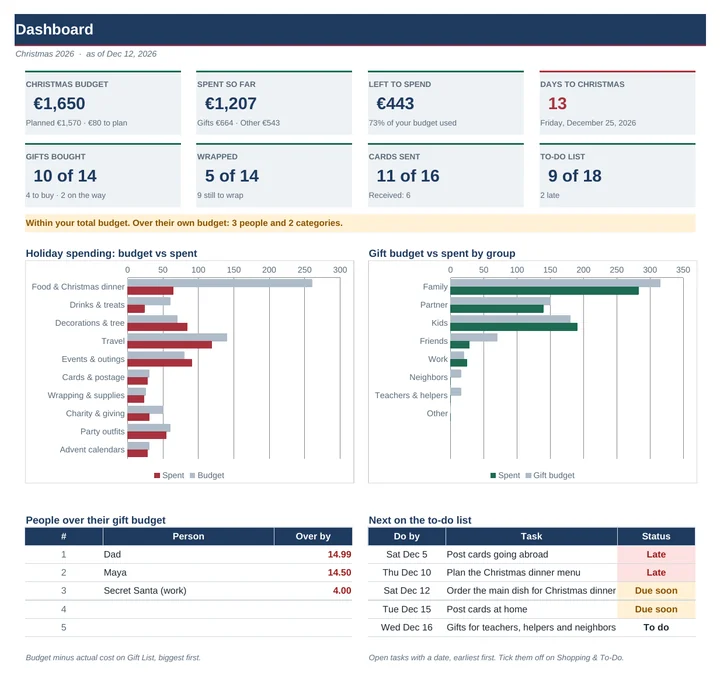 Christmas Budget & Gift Planner 2026A budget for every person on your list, so December doesn't arrive as a surprise in January.€8.99