Spreadsheet for Excel and Google Sheets
Sinking Funds Tracker Spreadsheet
For the big costs you know are coming: car insurance, Christmas, holidays, repairs, school costs. Add up to 30 funds with a target and a date, and the sheet tells you how much to put aside each month for each one.
Price: €8.99Instant download from Etsy. Price in euros; Etsy shows it in your currency.
View on Etsy- Excel and Google Sheets
- 6 tabs, no macros
- Digital download, nothing shipped
Who it’s for
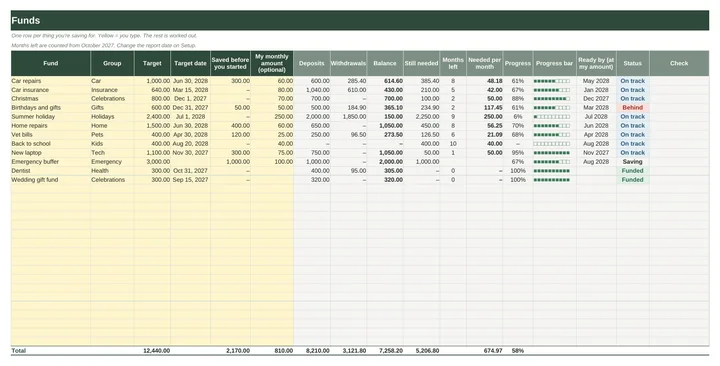
It’s made for anyone tired of “surprise” bills that were never really a surprise. Each fund shows its balance, what’s still needed, months left, the monthly amount and a status: Funded, On track, Behind or Due now.
Prefer to pick your own monthly amount? Type it, and the sheet shows the month the fund will be full at that pace. The monthly amount is rounded up to the cent, so following it gets you to the target on time.
What’s inside, tab by tab
- Start Here
- Three steps, one colour rule (yellow cells are where you type) and quick answers.
- Setup
- Currency symbol, year, an optional report date and editable fund groups.
- Funds
- Up to 30 funds with target, target date and anything already saved, plus balance, still needed, months left, needed per month, a progress bar and a status.
- Transactions
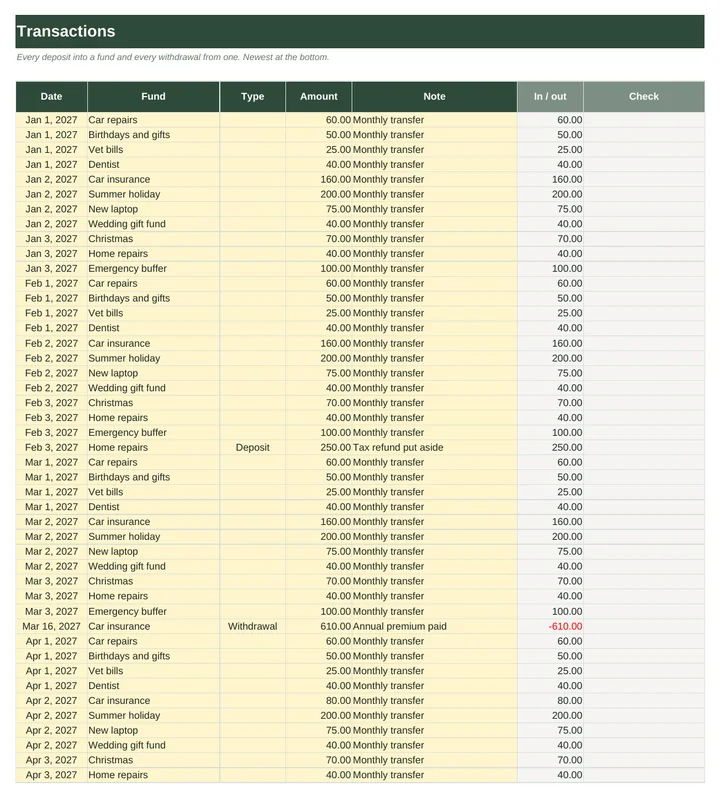
- One list for every deposit and withdrawal (1,000 rows), with a check column that flags mistakes.
- Yearly Overview
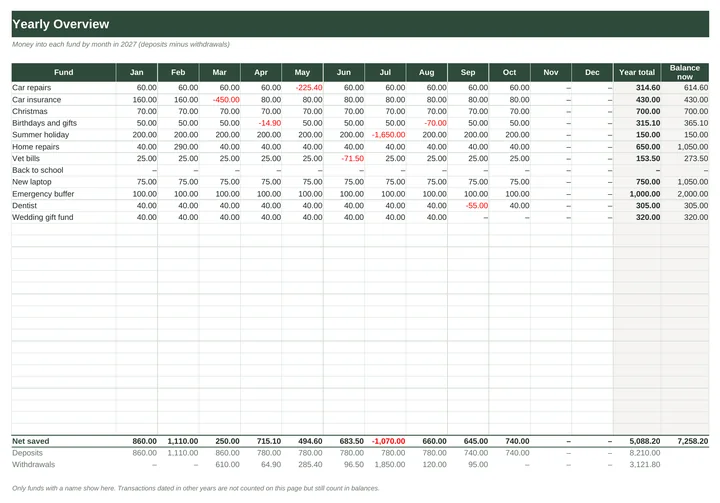
- Money into each fund in each month, with totals for deposits and withdrawals.
- Dashboard
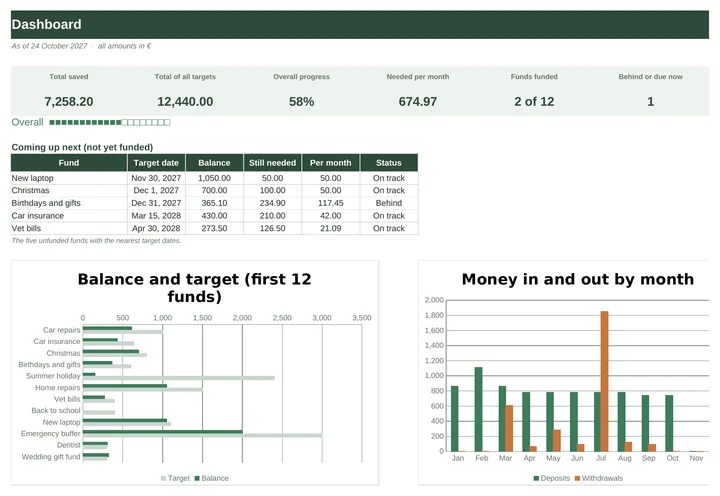
- Total saved, total of all targets, overall progress, needed per month, funds funded, the next five target dates and two charts.
Excel and Google Sheets
The workbook is an .xlsx file that opens in Excel 2010 or later, Excel for Mac and LibreOffice. For Google Sheets, open Google_Sheets_Links.pdf and click the link to make your own copy, or upload the .xlsx to Google Drive and open it with Google Sheets. Formulas and dropdowns carry over; Google redraws the charts, so they can look slightly different. The quick-start guide walks you through it. Type your own currency symbol on Setup and the whole workbook uses it.
There are no macros and nothing to install. Every formula uses only functions that Excel and Google Sheets share, and before release the workbook was filled with a sample family year and checked by 71 automated tests. Apple Numbers can open the file but isn’t supported.
How delivery works
You buy on Etsy, with Etsy’s checkout and buyer protection. As soon as payment goes through, the download is ready on your Etsy Purchases page and Etsy emails you a link. You get one ZIP file containing:
- Sinking_Funds_Tracker.xlsx (blank)
- Sinking_Funds_Tracker_Example.xlsx (filled with an invented family’s year)
- Quick_Start_Guide.pdf (4 pages)
- Google_Sheets_Links.pdf
Nothing is shipped. Because it’s a digital file, Etsy returns don’t apply, but if something isn’t working, send a message through the shop and we’ll help put it right.
Not financial advice. The workbook helps you plan and track your own savings.
Read the guide
Sinking funds explained. A sinking fund is money you set aside a little at a time for a cost you already know is coming. It turns a large once-a-year bill into a small monthly line in your budget.
Sinking Funds Tracker€8.99 · Excel and Google Sheets · instant download
View on EtsyYou might also need
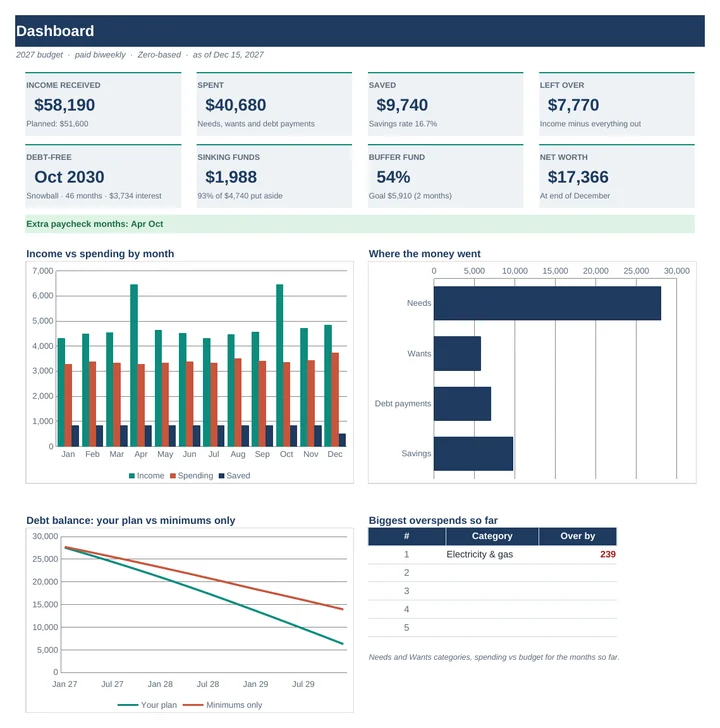 2027 Budget PlannerPlan the year one paycheck at a time, even when your income changes month to month.€15.99
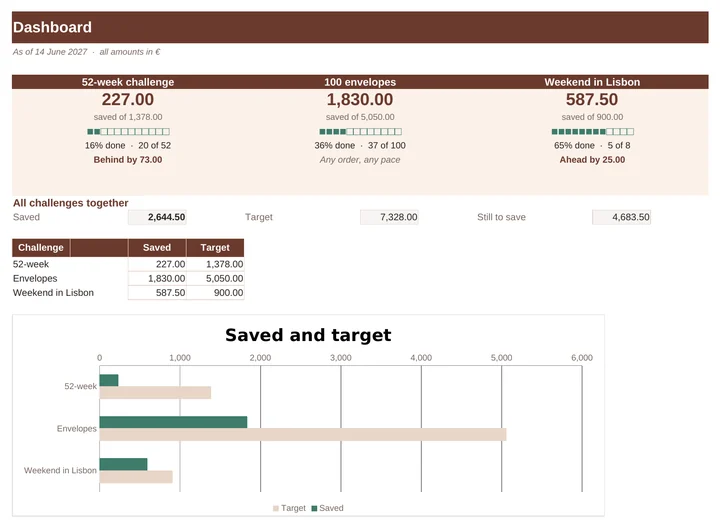 Savings Challenge TrackerThe 52-week challenge, the 100-envelope challenge and a goal of your own, in one file.€7.99
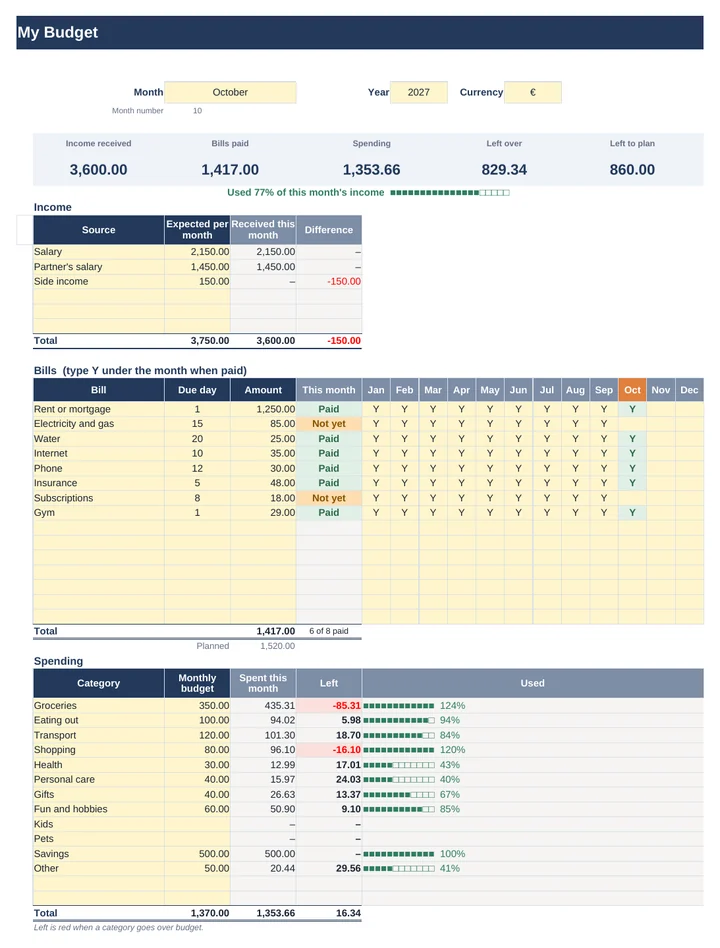 Simple Monthly Budget PlannerIncome, bills, spending and what’s left on one page. Pick a month and every number follows.€7.99